 Japan eSIM | DJB
 South Korea eSIM | DJB
 Thailand eSIM | DJB
 Americas eSIM | DJB
 Americas eSIM | DJB
 Philippines eSIM | DJB


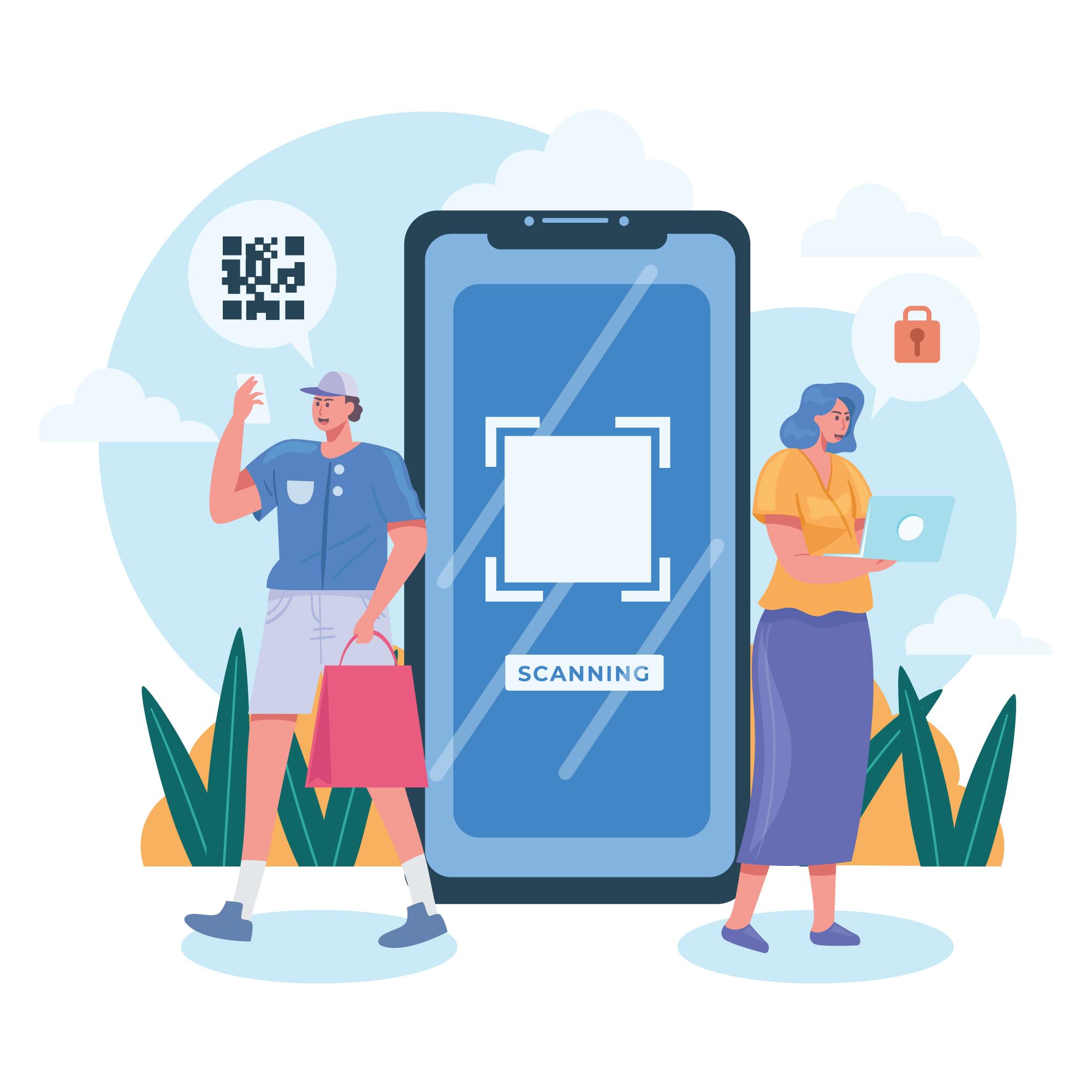
An eSIM is an embedded digital SIM—you install a profile by QR code or activation details instead of swapping plastic. It is ideal for travel data and dual-line setups if your phone supports it.
Pros and cons
- Pros: remote activation, multiple profiles, no lost nano-SIM, easy dual-SIM travel.
- Cons: not every handset supports eSIM; profiles usually cannot move to another phone; first setup needs Wi-Fi.
Check support first
iPhone XS / XR and newer typically support eSIM. Android varies by brand—look under Network & internet / SIMs for “Add eSIM”. Confirm the phone is carrier-unlocked.
Install in minutes
- Buy a travel eSIM and save the QR / SM-DP+ details
- On Wi-Fi: Settings → Cellular / Mobile network → Add eSIM → scan
- Label the line (e.g. “Japan eSIM”); keep home line for SMS
- After landing, switch mobile data to the travel eSIM; follow the product page on data roaming
Do not delete the profile if it fails to connect—toggle airplane mode, restart, then contact support with your order ID.
Comments are closed for this article.
Comments (0)